
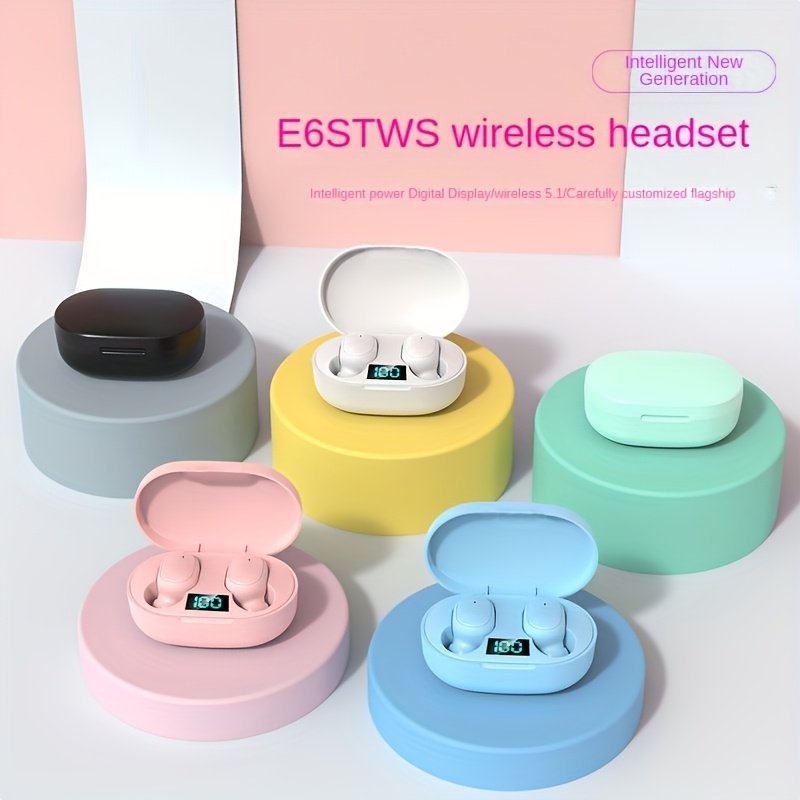
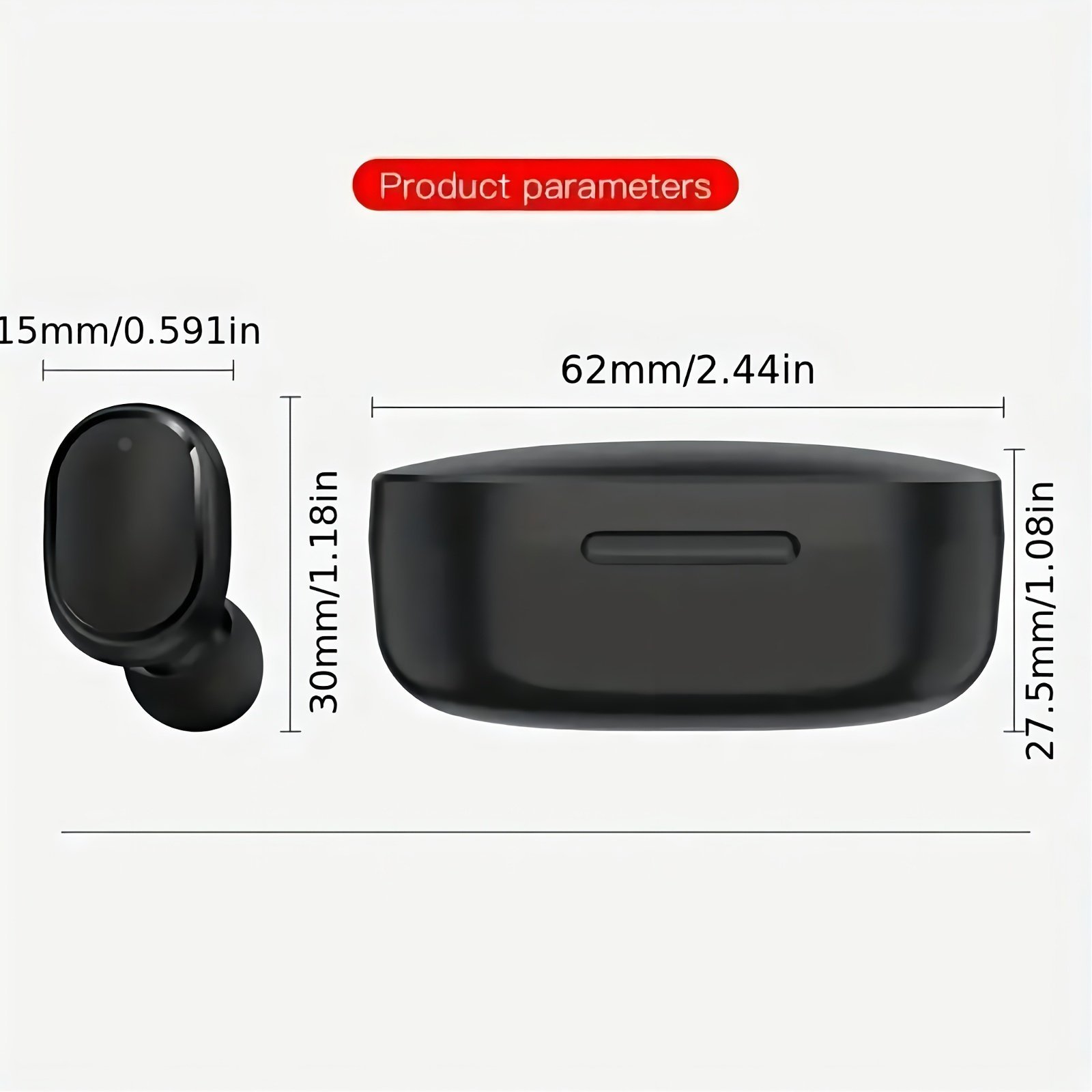
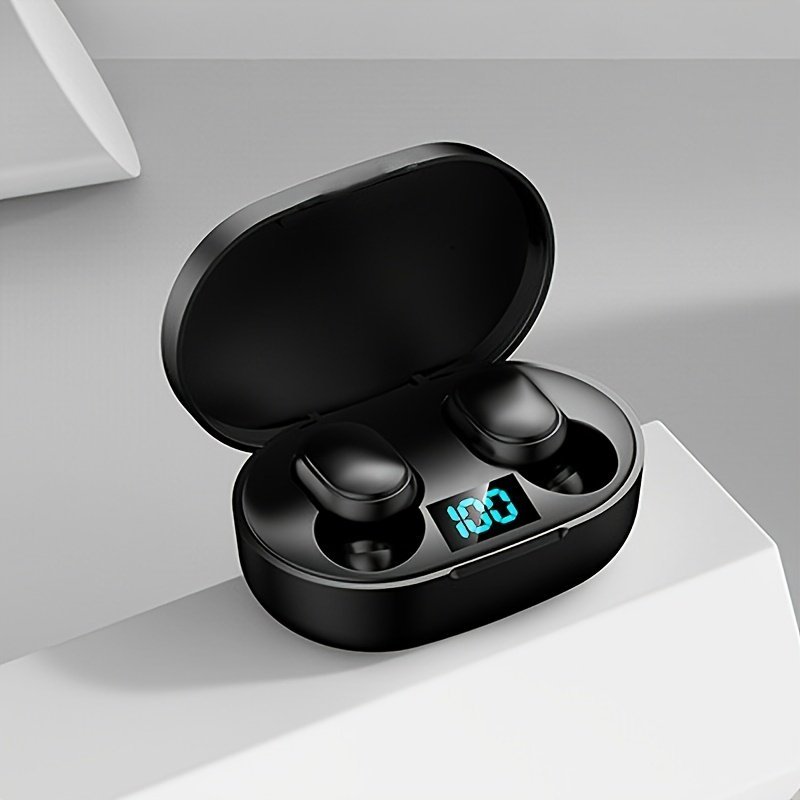
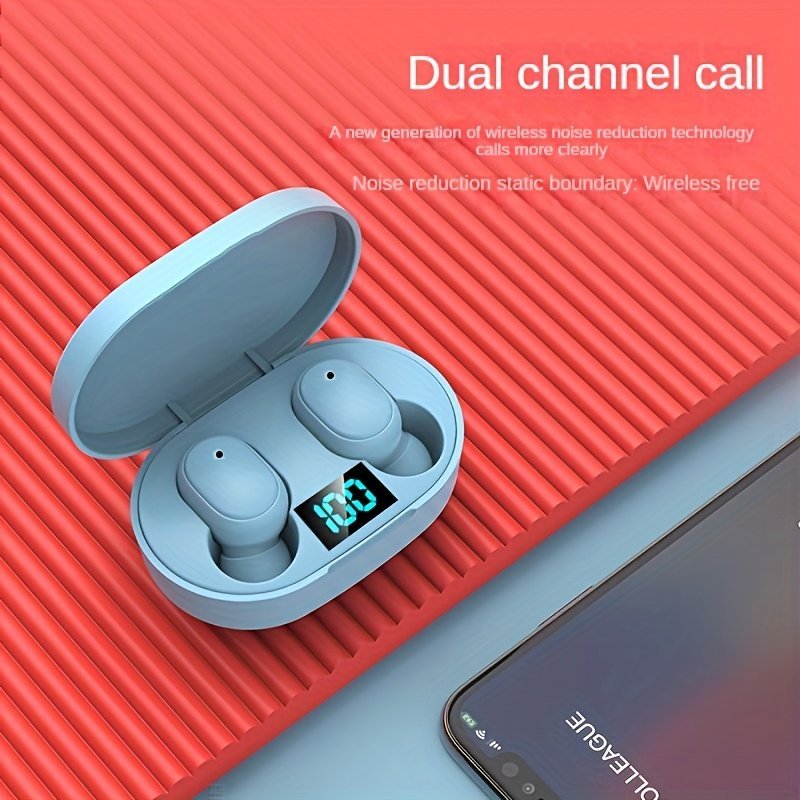
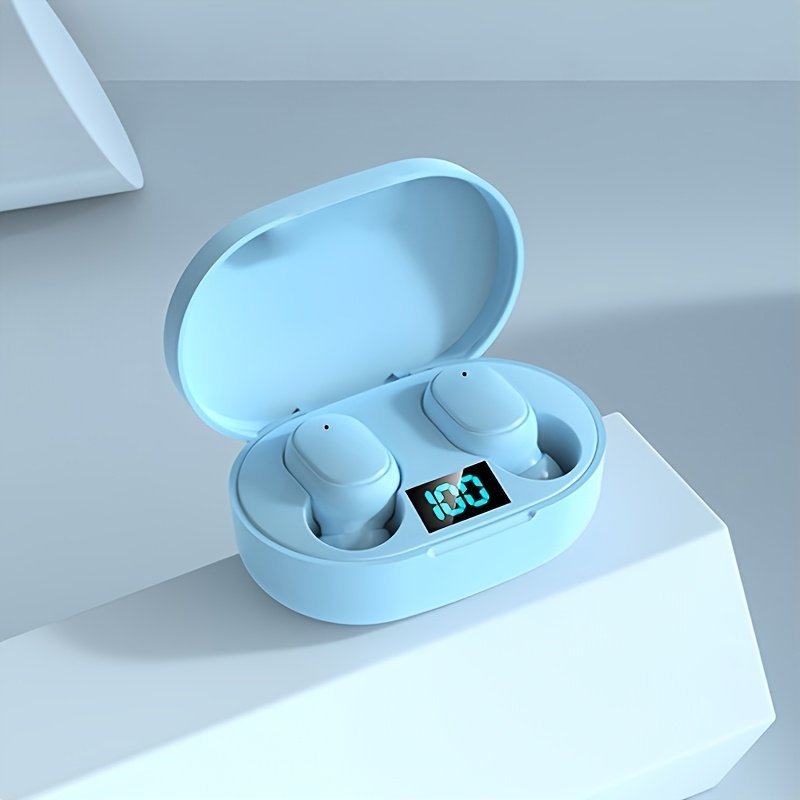
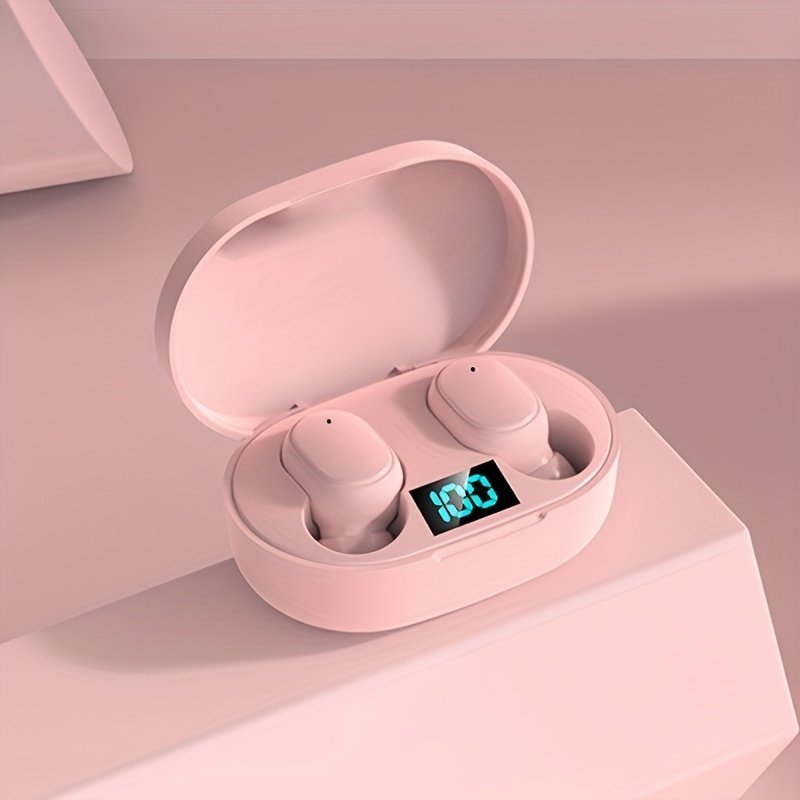

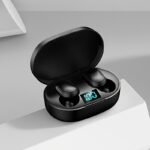
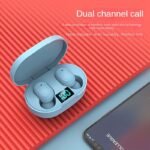




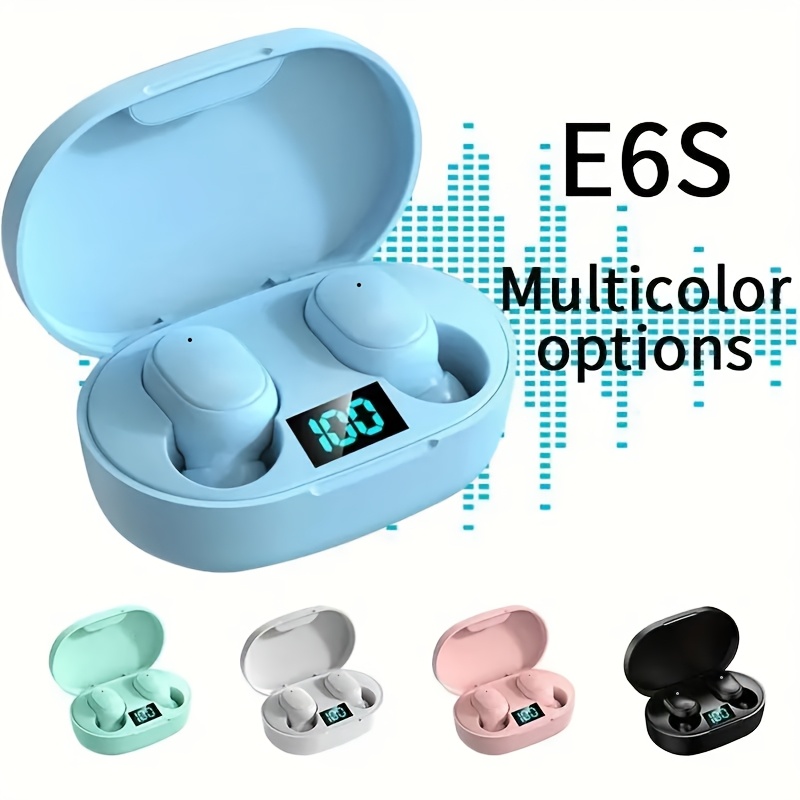
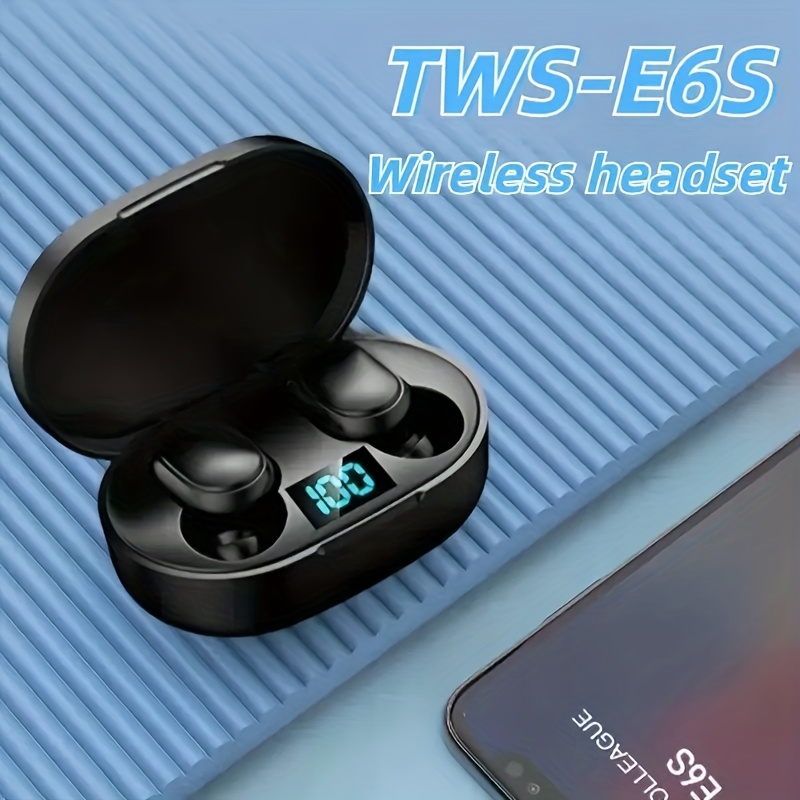
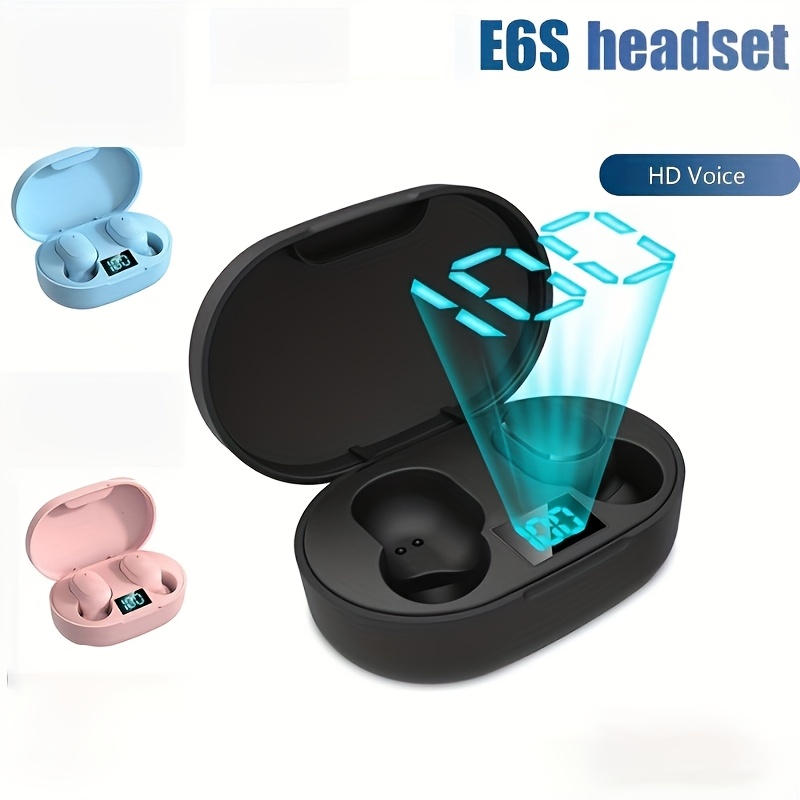
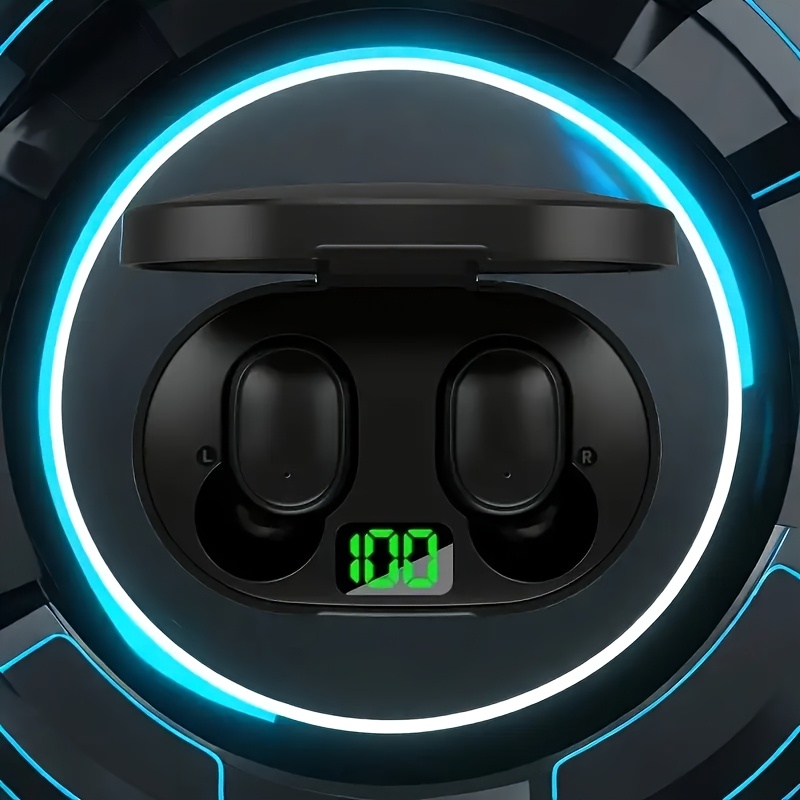
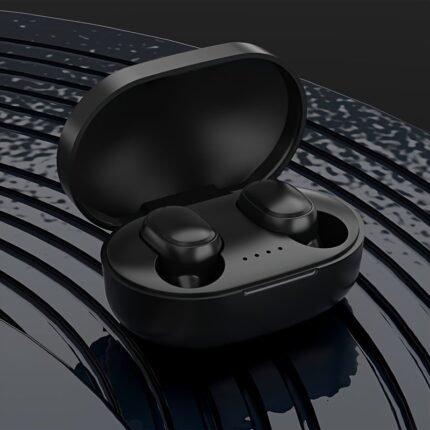
Fhrm Wireless In-Ear Headphones With Led Power Display – Long-Lasting Battery, Usb-C Charging, Soundproof Design For Sports, Commuting & Casual Wear – Sleek Black, White, Blue, Pink Options, Active Lifestyle Audio, Modern Headphone Design, Durable Plastic Casing
MK44,549.00
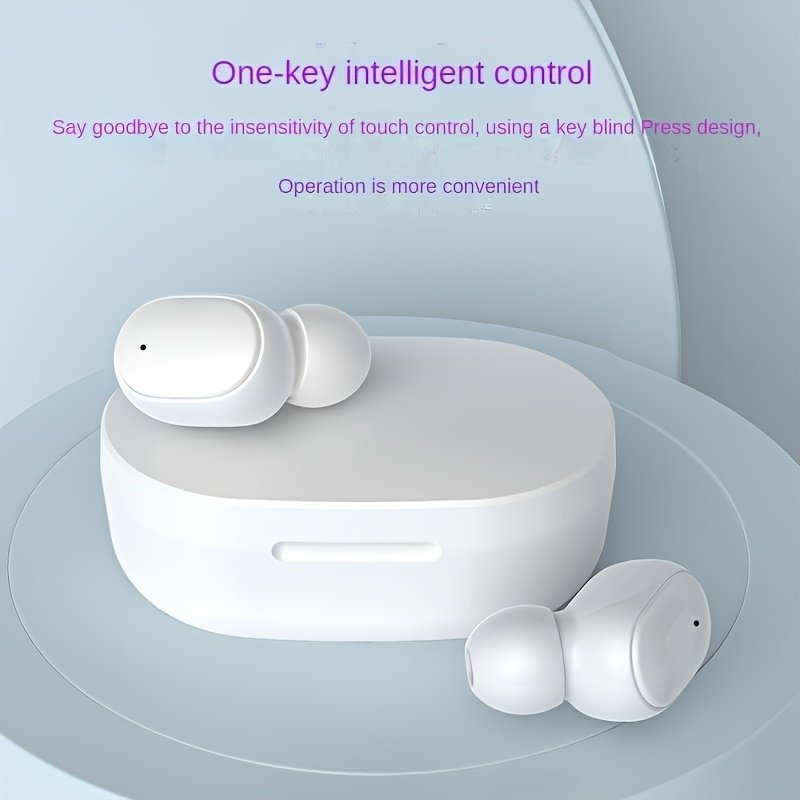
Control Method: Push Button Type
Headphone Features: Sports-and-exercise
Control Type: Media Control
Age Range: Adult
Compatible Device: Cellphones
Recommended Scenario: Running, Calling, Cycling
Brand: FHRM
Wireless Property: wireless
Battery Properties: Rechargeable Battery
Rechargeable Battery: Lithium Battery-Polymer
Battery Capacity (mAh): 150MAh
Voltage: See Product Details
Product Charging Port: Type-C Port Charging
Does It Support Coordinated Fast Charging?: No
Does It Include A Charger?: No
Maximum Rated Power: 5W
Minimum Rated Power: 2.5W
Power Mode: USB Charging
Operating Voltage: ?36V
Is There A Charging Case?: Yes
Item ID: MR732295
Origin: Guangdong,China
Make sure to take off the blue protective sticker from the headset prior to using it! Also, charge the headset fully before using it!
Kindly review the instructions thoroughly before utilizing the product.
To pair the device: First, remove the headset from the charging case; it will power on automatically and the indicator light will blink. Next, enable the wireless feature on your phone, look for “TWS” in the available devices, and select it. The headset’s indicator light will turn off, indicating a successful connection.
2. To power on without the charging case, press and hold the button area on the headset for 3 seconds until you hear the “power on” prompt. The indicator light on the headset will flash. Then, enable the wireless function on your phone, search for “TWS,” and click on it. The indicator light turning off indicates that the pairing was successful.
3. When the headset is initially paired, removing it will cause it to automatically connect to the device it was paired with. 4. If only one headset is producing sound, please repeat step 1 or step 2. If that doesn’t resolve the issue, check if the product has sufficient power.
Function overview: 1. To power on/off: remove it from the charging case to turn it on automatically, or press and hold the headset for approximately 3 seconds to turn it on; place it back in the charging case to turn it off automatically, or press and hold the button area on the headset for about 3 seconds to switch it off. 2. Voice assistant: make sure the headset is connected, then press and hold the button area on the headset for 3 seconds and release.
3. To play or pause, tap the left or right earphone button area while music is playing to pause it; tap again to resume playback. 4. To skip to the previous or next track, press the left earphone button area three times for the previous song, and the right earphone button area three times for the next song.
5. To adjust the volume: press the left earphone button area twice to lower the volume; press the right earphone button area twice to raise the volume. 6. To answer or end a call: press the left or right ear button area once. 7. To decline a call: double-click the button area on the left or right headset.
Charging process: 1. To charge the charging compartment, connect one end of the charging cable to the charging case’s port and the other end to the power source. The charging compartment will display the remaining battery level and the LED will blink. Once the charging case is fully charged, the LED will stop blinking, indicating that the charging is finished!
To charge the headset, simply place it in the charging compartment where it will begin to charge automatically. While charging, the indicator light on the headset will glow red. Once fully charged, the light will change to blue for a few seconds before both the indicator and LED display lights turn off.
Related products


Portable Rechargeable Led Ring Light, 3 Light Modes, Usb & Battery Powered, Compatible With Iphone 15/14/13/12/11 Pro Xs, A72/A71/A52/A51, For Phone, Camera, Video, Zoom Meetings, High Power, Clip-On, Adjustable, With Front & Back Clips
Original price was: MK64,349.00.MK48,749.00Current price is: MK48,749.00.

Wireless Headset Headphone Stereo Noise Cancelling, In Ear Wireless Earbuds, Wireless Touch Headphones, Wireless Earbuds Charging Case, Control Music Player Audio Earphones Electronic Earbud
Original price was: MK65,849.00.MK41,149.00Current price is: MK41,149.00.

2024 New Wireless Earphones Headphones With Led Display Touch In-Ear Tws Wireless Earbuds Sports Music Game Headset For Los/Android
Original price was: MK48,899.00.MK40,049.00Current price is: MK40,049.00.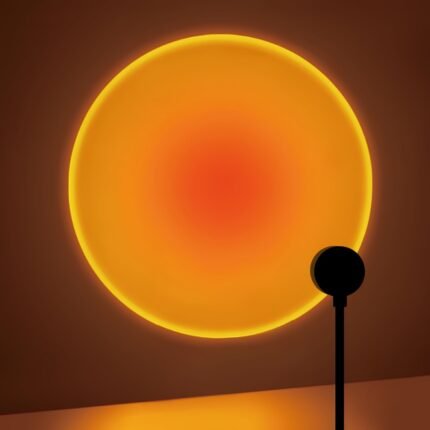

Sunset Projection Lamp, Home Decoration Atmosphere Lamp, Sunset Red Decorative Lamp, Romantic Sunset Orange Light And Shadow Effect, Usb Night Light, Multi-Angle Rotatable And Adjustable, Led Lighting, Suitable For Home Living Room Bedside Bedroom Decoration
Original price was: MK67,149.00.MK40,449.00Current price is: MK40,449.00.

Dual-Mode Silent Wireless Mouse With Colorful Rgb Backlight, Ergonomic Design For Laptops And Desktops, Black With Multicolored Lighting Effects, Perfect For Office Or Gaming Use, Wireless Mouse For Laptop
Original price was: MK78,799.00.MK45,549.00Current price is: MK45,549.00.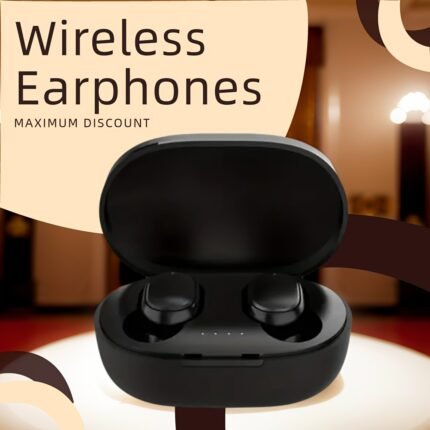

Briame Tws True Wireless Earphones – In-Ear Dual-Ear, High-Quality Sound, Noise-Canceling, Long Battery Life – Ideal For Music & Fitness – Portable For Outdoor Activities, Multiple Colors Available, Touch-Controlled With Microphone, Portable Headphones|Ergonomic Design|Durable Headphones
Original price was: MK62,849.00.MK50,649.00Current price is: MK50,649.00.
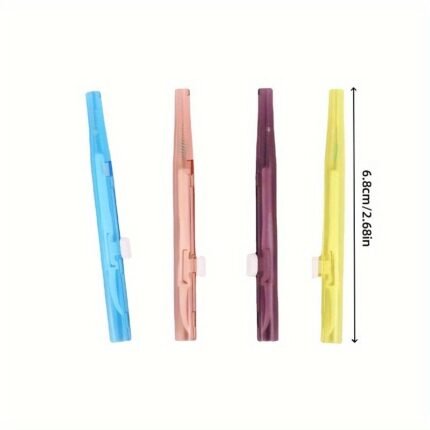
4Pcs Mobile Phone Retractable Cleaning Set, Multi-Functional Mobile Phone And Earphone Cleaning Kit, Mobile Phone Cleaning, Repair And Restoration Of Mobile Phone And Tablet Charging Ports, Lightning Cable And Connectors, Easy To Store And Carry Design
Original price was: MK39,599.00.MK23,149.00Current price is: MK23,149.00.
Reviews
There are no reviews yet.