


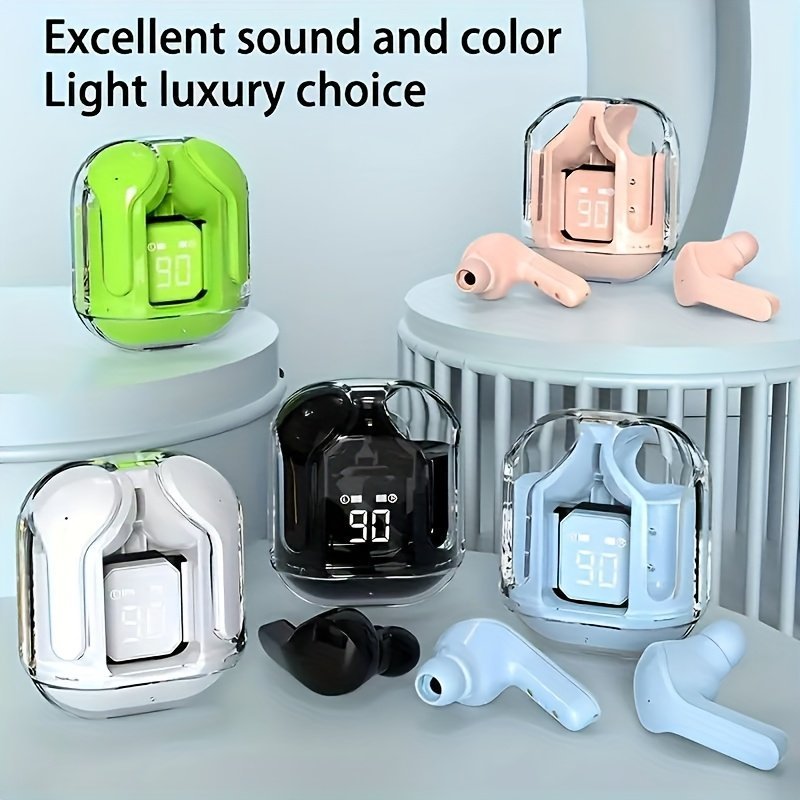


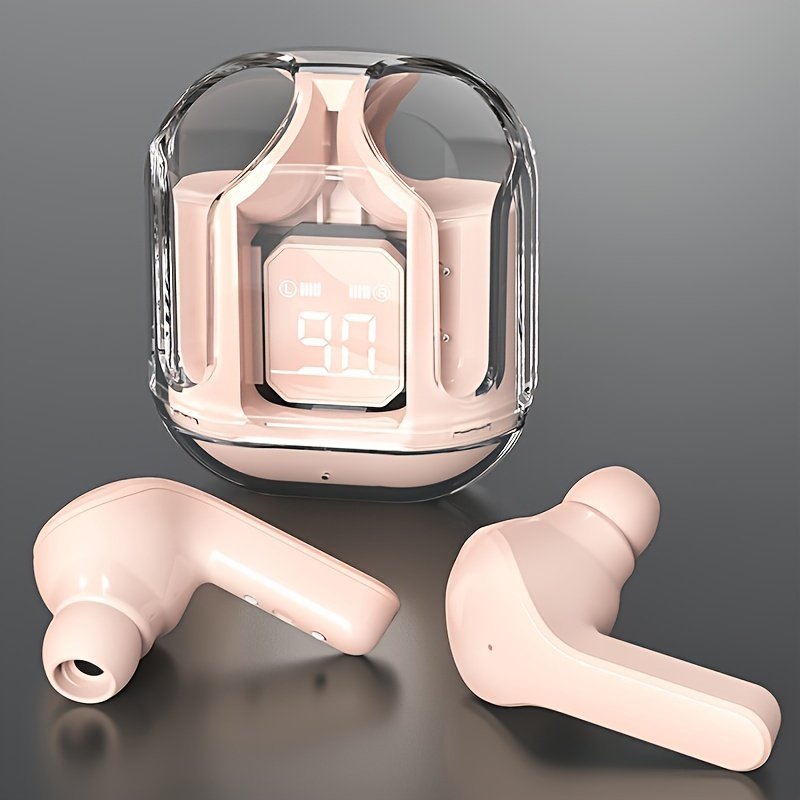









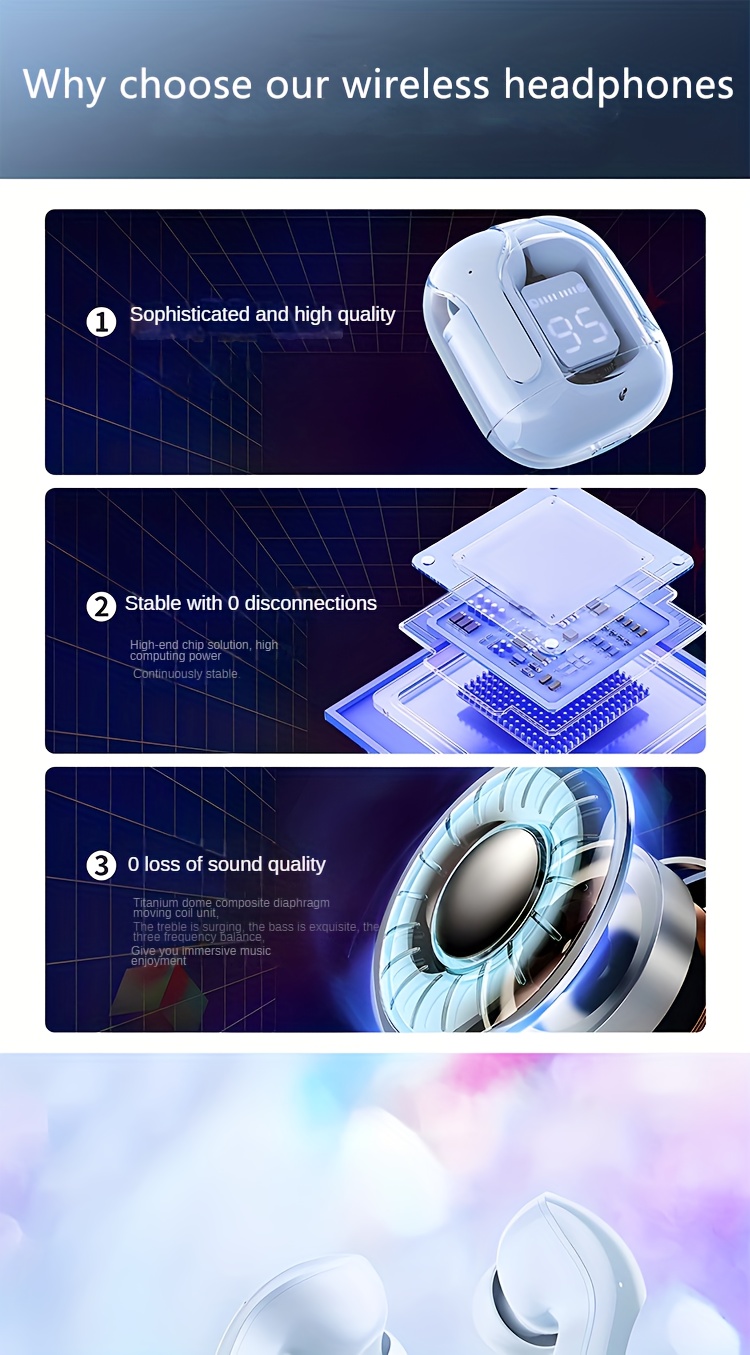
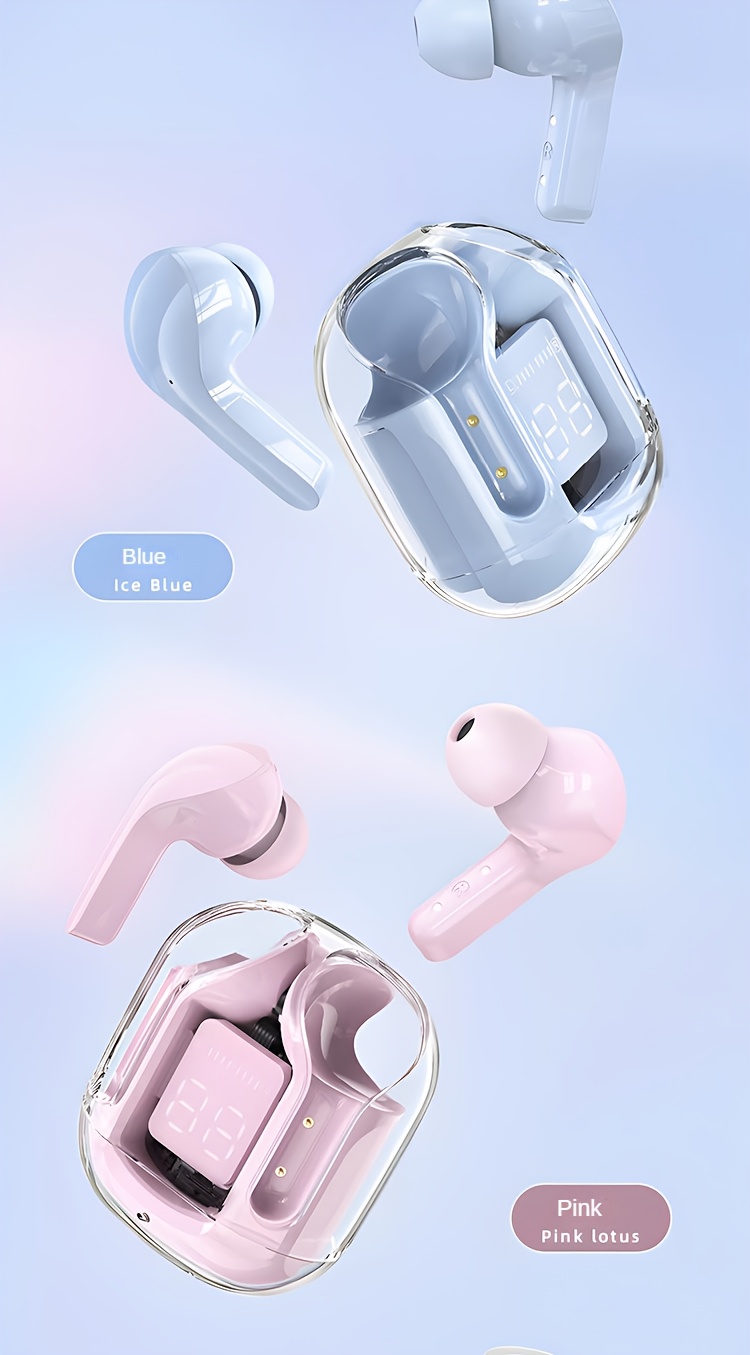
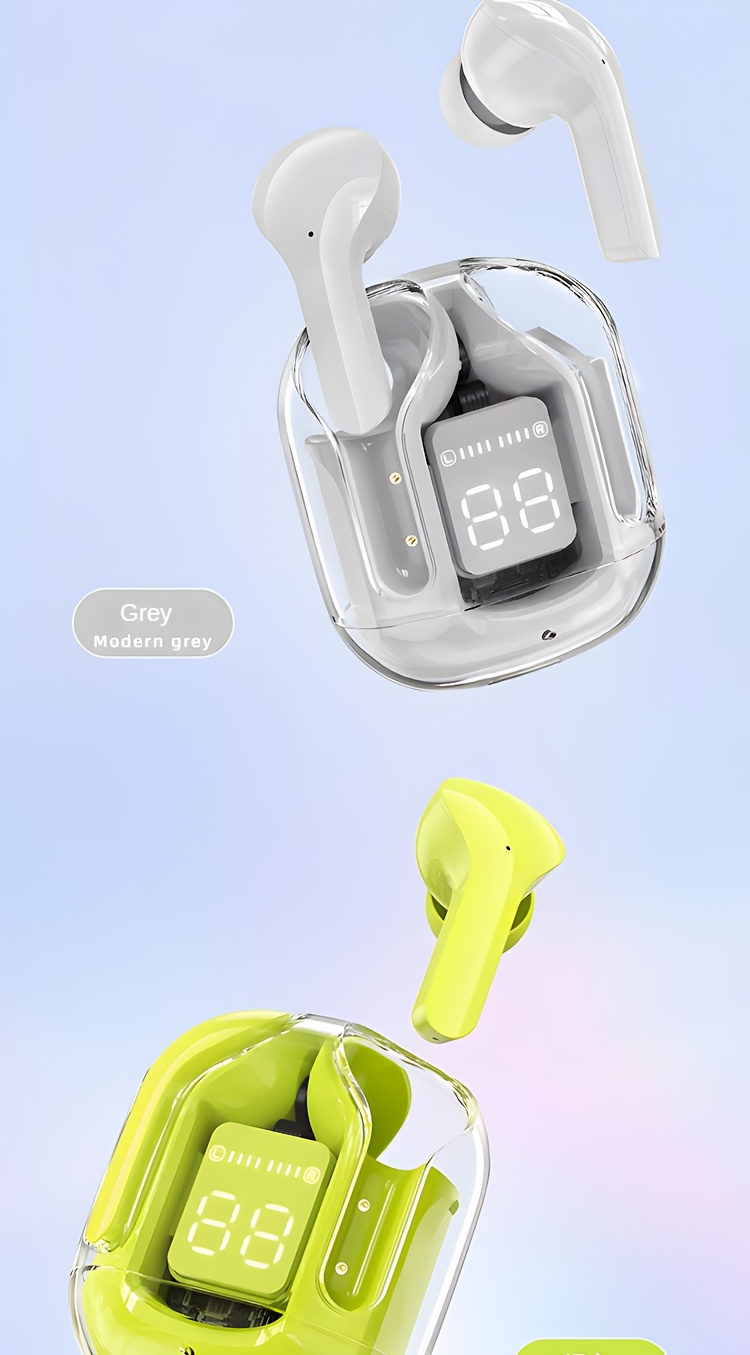
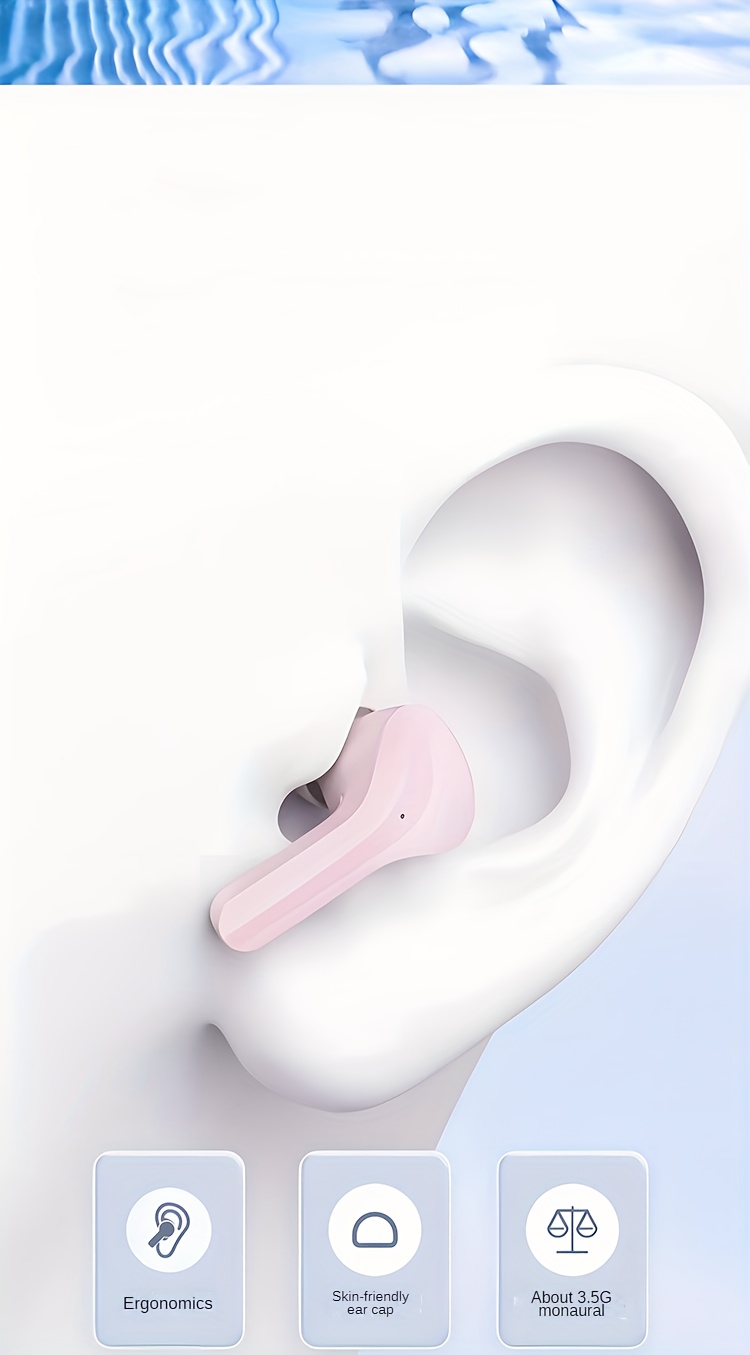
Transparent Wireless Tws Earbud Headphones, High-Fidelity Stereo Sound, Touch Control Media, Noise-Cancelling Voice Call, With Type-C Charging Case, For Exercise, Running, Gaming, Calls, Compatible With Smartphones, Tablets, Laptops, 150Mah Lithium Polymer Battery, Usb Charging, 2.5-5W Power Range, Closed-Back Earphones With Condenser Mic, No Quick Charge
Price range: MK54,949.00 through MK55,649.00
Control Method: Touch
Headphone Features: Wireless
Control Type: Media Control
Age Range: Adult
Microphone Type: Condenser Microphone
Compatible Device: Cellphones
Recommended Scenario: Game, Exercising, Running, Calling, Cycling
Headphone Jack: No Jack
Brand: FHRM
Wireless Property: wireless
Battery Properties: Rechargeable Battery
Rechargeable Battery: Lithium Battery-Polymer
Battery Capacity (mAh): 150MAh
Voltage: See Product Details
Product Charging Port: Type-C Port Charging
Does It Support Coordinated Fast Charging?: No
Does It Include A Charger?: No
Maximum Rated Power: 5W
Minimum Rated Power: 2.5W
Power Mode: USB Charging
Operating Voltage: ?36V
Is There A Charging Case?: Yes
Item ID: MR405265
Origin: Guangdong,China
Make sure to take off the blue protective sticker from the headset prior to using it! Ensure the headset is fully charged before you start using it! Please go through the instructions below thoroughly before utilizing the product!
To pair the device, first remove the headset from its charging case, which will automatically power it on and initiate pairing. When one headset’s indicator light blinks while the other turns off, it indicates a successful pairing, accompanied by voice prompts. Next, enable the wireless feature on your smartphone, look for “TWS,” and select it to connect.
To power on the headphones without the charging case, press and hold both for three seconds until you hear a sound indicating they are on, and the indicator light blinks. Once both headphones are on, they will pair automatically, and the light on one will turn off, indicating a successful connection. Enable the wireless feature on your phone, look for “TWS,” and select it to connect.
3. Once the headset is initially paired, it will automatically connect whenever you power it on in the future, and it will reconnect to the previously linked device. 4. If sound is only coming from one headset, please go through step 1 or step 2 again.
Function Overview: To power on or off, remove the headset from the charging case or press and hold the headset for 3 seconds to turn it on; place it back in the charging case to turn it off automatically or press and hold for 5 seconds to switch it off. For the voice assistant, press and hold for 2 seconds to activate it. To play or pause, tap either the left or right earbud to pause playback; tap again to continue playback.
To adjust the volume, double-click the right ear for volume up and the left ear for volume down (with a tone indicating max or min). For previous or next songs, triple-click the left ear for the previous track and the right ear for the next one. To answer or end a call, click either the left or right headset when a call comes in, and click again during the conversation to hang up.
To answer or end a call, tap the left or right touch area on the headset when a call comes in or during a conversation. To decline a call, press and hold the left or right touch area for 2 seconds.
To decline a call, press and hold either the left or right ear for two seconds when a call comes in.
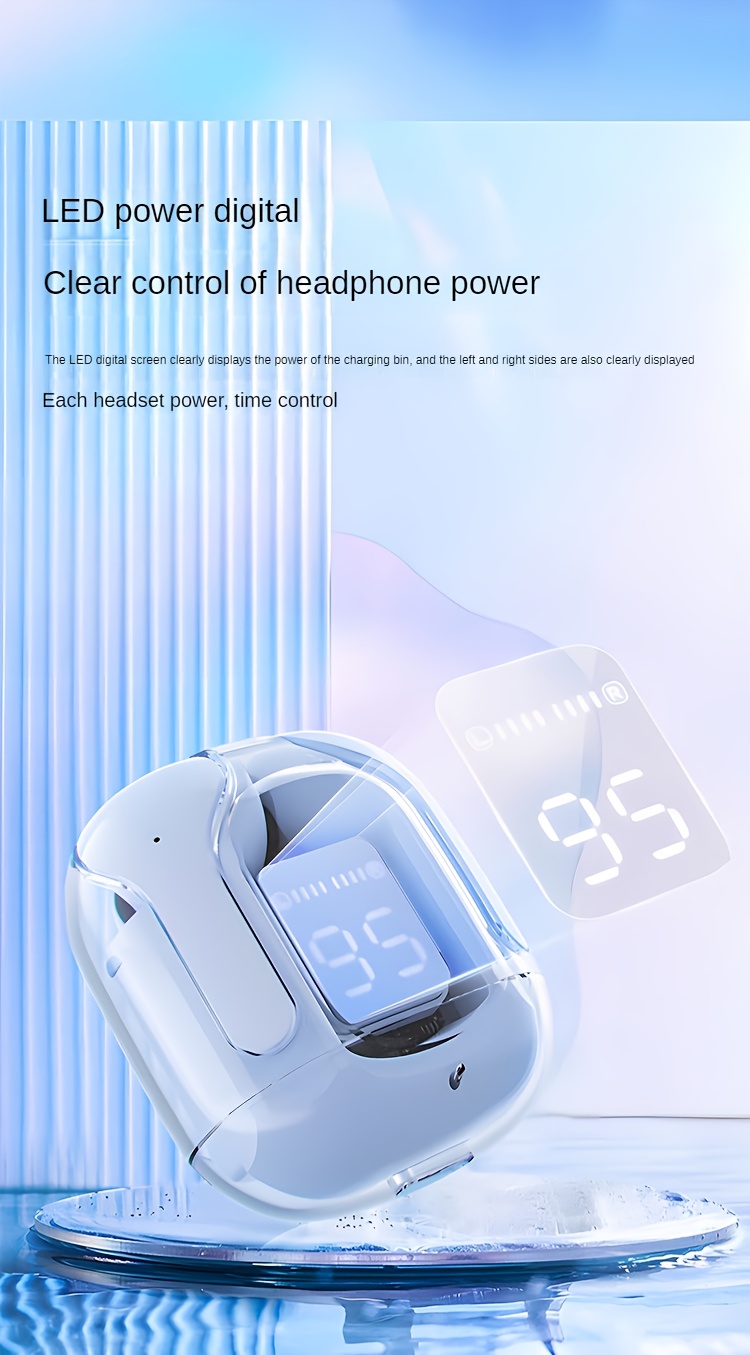
Charging process: First, connect one end of the charging cable to the charging box and the other end to the power source. The charging box will display its current battery level, and once it indicates that the battery is full, the charging is finished.
2. To charge the headset, place it in the charging case for automatic charging. The case will display the current charging status of the headset. The headset’s indicator and screen remain illuminated during charging, and both will turn off once fully charged.









Reviews
There are no reviews yet.